vivimoTrendingPricingFAQ中文

Image to Video AITurn any image into a video

Vivimo turns a still photo into a short AI video. Upload a photo, describe the motion, and get a 5-second clip with natural movement. We are opening soon: join the waitlist and your first preview is free.

1Upload your photo

A clear photo with one person, pet or object works best.

Drop a photo here. JPG, PNG or WEBP, up to 10 MB

No photo handy? Try a sample:

2What should move? Optional

3Make your video

Video generation opens soon. Join the waitlist and we will email you the day it opens. Your photo stays in your browser for now and is not uploaded.

More options
Model
Length
Quality

One photo in, a 5-second video out

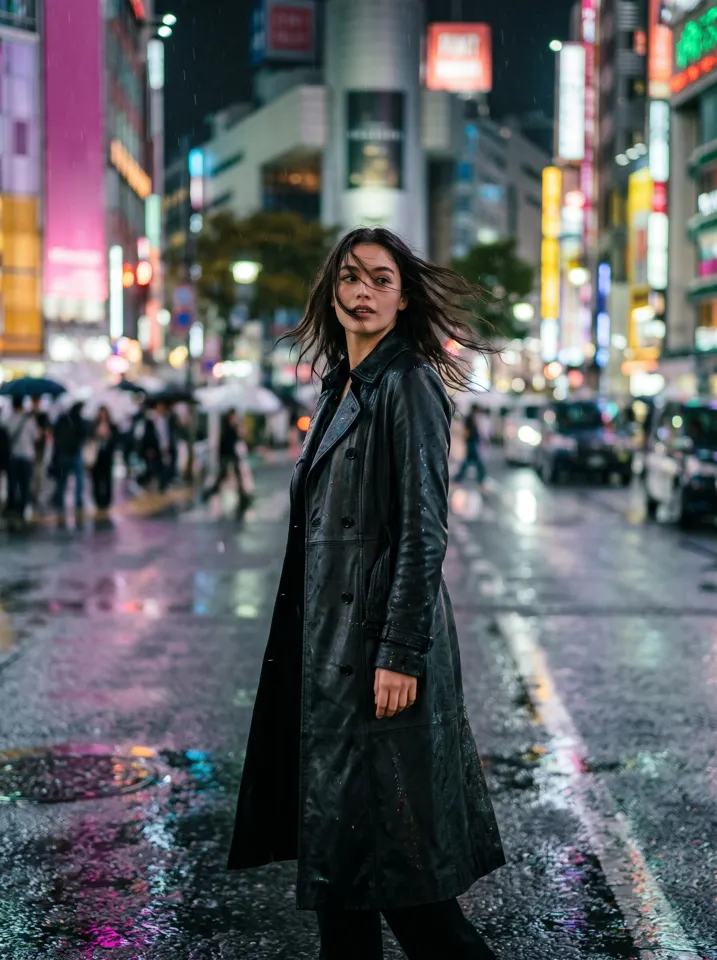
Original photo: a woman in a leather coat on a rainy neon street
Photo
AI video

Made with AI from the photo on the left. Tap a sample above to see another one.

Example result

This sample was made with Vivimo. Want one from your own photo?

How to turn a photo into a video in 3 steps

  1. Upload a photoA clear photo with one main subject works best: a face, a pet, a product.
  2. Describe the motion or pick an effectWrite what should move, or choose a trending effect that is already set up.
  3. Generate and downloadGet a short preview first, then unlock the full-length, watermark-free version if you like it.

What people make with image to video AI

Original photo
Photo
AI video

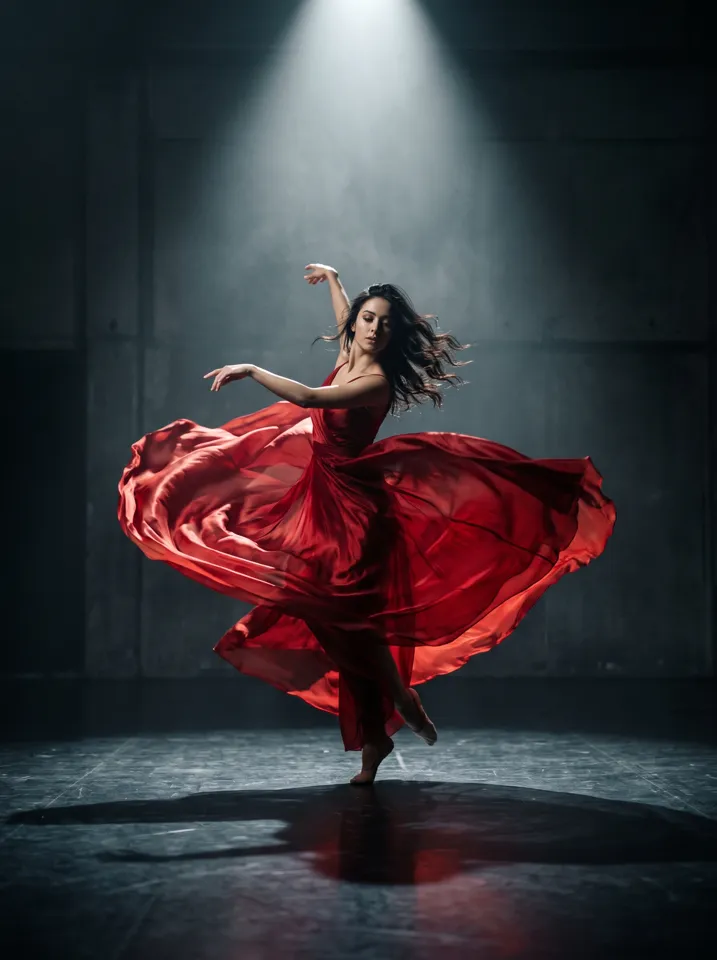
Dance & motionA frozen dance pose becomes a full spin, the dress flowing like fire.

What is image to video AI?

Image to video AI turns a still picture into a short video. The model reads what is in your photo, the people, objects, light and depth, and predicts how they would move over a few seconds.

You may also see it called photo to video, picture to video or “animate a photo”. On Vivimo you can guide the motion with a sentence, or use a ready-made trending effect.

Ways to use it

  • Bring old family photos to life
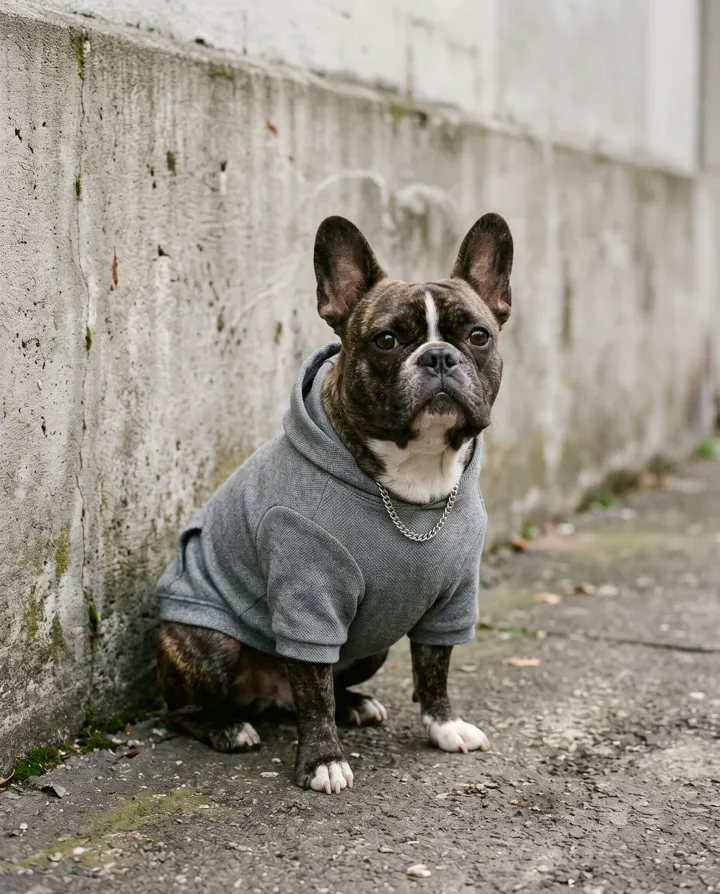
  • Remember a pet
  • Turn product photos into ads
  • Join a TikTok trend in one minute

Models on Vivimo

Each model has a different strength. We tell you which one a preset uses.

FastOpen-source model for quick, cheap previews.
MotionFollows a reference dance or move closely. Used by trend effects.
CinematicSharper detail and camera moves for full-length 720p.

Pay once, no subscription

1 credit = 1 second of video at 480p. 720p uses 2 credits per second. Credits never expire.

At launch: 1 free preview, 5s at 480p with a watermark. No sign-up, no card.
StarterTest the quality first
$9.99
one-time · credits never expire
12 creditsMakes 2 short clips (5s)
  • Short clips (5s) at 480p
  • Full-length videos (15s)
  • 720p HD
  • No watermark
  • Commercial use
  • Refund on failed renders
Most chosenPopularFull videos to share
$19.99
one-time · credits never expire
30 creditsMakes 2 full videos (15s) or 6 short clips
  • Short clips (5s) at 480p
  • Full-length videos (15s)
  • 720p HD
  • No watermark
  • Commercial use
  • Refund on failed renders
ProSharpest, for creators
$49.99
one-time · credits never expire
90 creditsMakes 3 full 720p videos (15s) or 6 at 480p
  • Short clips (5s) at 480p
  • Full-length videos (15s)
  • 720p HD
  • No watermark
  • Commercial use
  • Refund on failed renders

Prices in USD. Taxes are calculated at checkout. One-time payment, no subscription. Credits are refunded automatically if a render fails.

Before you buy: how to get a great result from your photo

Launch pricing. Packs go on sale when video generation opens.

Image to video AI FAQ

Is Vivimo’s image to video AI free?

Vivimo is opening soon. At launch, your first preview is free: a 5-second, 480p video with a watermark. Watermark-free videos come with one-time packs from $9.99; full-length videos start at $19.99.

Do I need to sign up?

Not for the free preview. You will sign in with Google when you buy a pack, so your videos and credits are saved. To get early access now, just leave your email.

How long does it take?

A 5-second preview usually takes one to a few minutes, depending on the model. Longer and 720p videos take a little longer.

What kind of photo works best?

A clear, well-lit photo with one main subject. Faces should be visible and not too small.

Can I use someone else’s photo?

Only with their permission. Do not upload photos of other people without consent. You can report a video and we remove it within 48 hours.

What happens to my photo?

Photos are deleted after 7 days and finished videos after 30 days. We never use your photos to train models. Until launch, a photo you pick on this page stays in your browser and is not uploaded.

Can I use the videos commercially?

Yes with the Pro pack, as long as you own the rights to the photo you uploaded.

What if a video fails?

Credits are refunded automatically when a render fails.
Press play on your photo

Get early access

Video generation opens soon. Leave your email and your first video is free when we launch.

We only use your email to tell you when Vivimo opens. Unsubscribe any time.